All work

NookExperiment · Public beta 0.1

Your notch, now a nook.

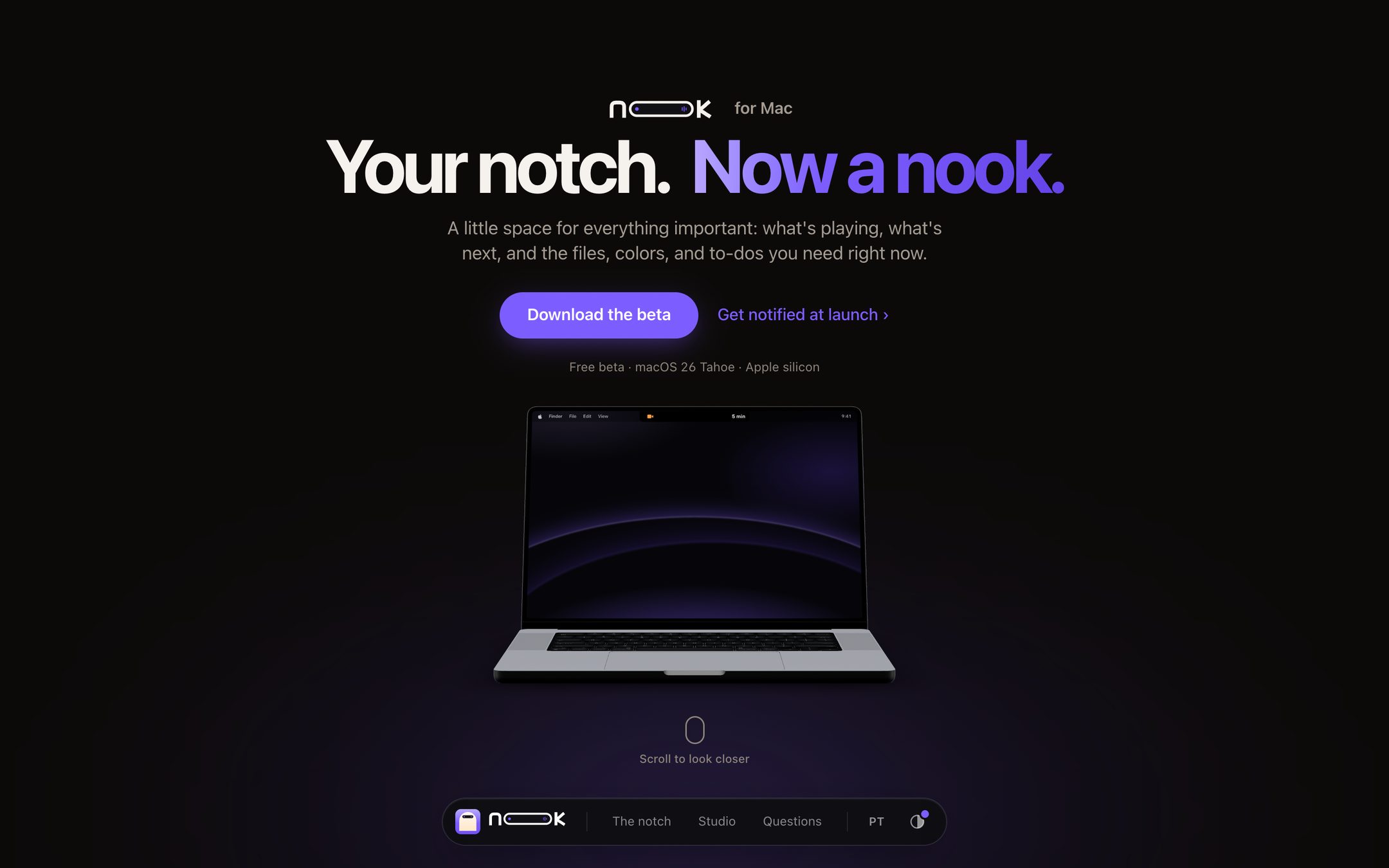
A native macOS app that turns the MacBook notch into a small, friendly home for what matters right now — from the logo to the app, its living brand guide and the launch site, designed and built in six days.

Role

Design, brand & code

Timeline

6 days · 68 commits

Platform

macOS 26 Tahoe

Stack

Swift 6 · SwiftUI · Three.js

Status

Public beta 0.1

The Nook landing page: a studio-lit MacBook Pro with the island live in its notch, in the violet accent
01

The idea

The notch is the one part of a MacBook screen nobody uses. Nook turns it into a glanceable island for the way designers and makers work: music and calls, but also files, screenshots, colors, and the next thing to do — each one a hover away.

01One glance, one thingThe closed island shows the single most important live activity. A second one waits in a small bubble beside it.
02Calm by defaultMotion is budgeted by how often you see it. Things seen a hundred times a day don't bounce.
03Never guessWhen Nook makes a file smaller, it measures that it still looks the same.
04Friendly wordsShort, kind, plain: “All clear for today”, “Drop files here to keep them close”.
05Everything stays on your MacNo account, no tracking, no cloud.
02

The mark is the product

A cream arch — the nook, a small sheltered place — on a honey tile. Inside it, a black pill is the island, with an orange dot and a tiny waveform: something is live. On the website the mark is code, not an image — it animates its own story.

The mark is code, not an image — watch it build itself, hover it, then pick an accent: Violet. The app icon does the same.

Violet

#7B5CFF

The site's accent — and this case's

Honey

#FF9F43

The app's default accent

Island

#000000

The island itself, so it melts into the notch

Near-black

#0C0A09

Site background, never pure black

Success

#2BC48A

“It worked”: savings, “Readable at AA”

App type is SF Rounded, so a black shape in the notch still feels friendly. Nook ships in Honey with ten more accents, or the Mac's own — and the icon in About, Welcome and alerts wears whichever you pick.
The wordmark: the double O is the island. It plays the same story — the O's merge, stretch into the island, and light up.
03

One glance, one thing

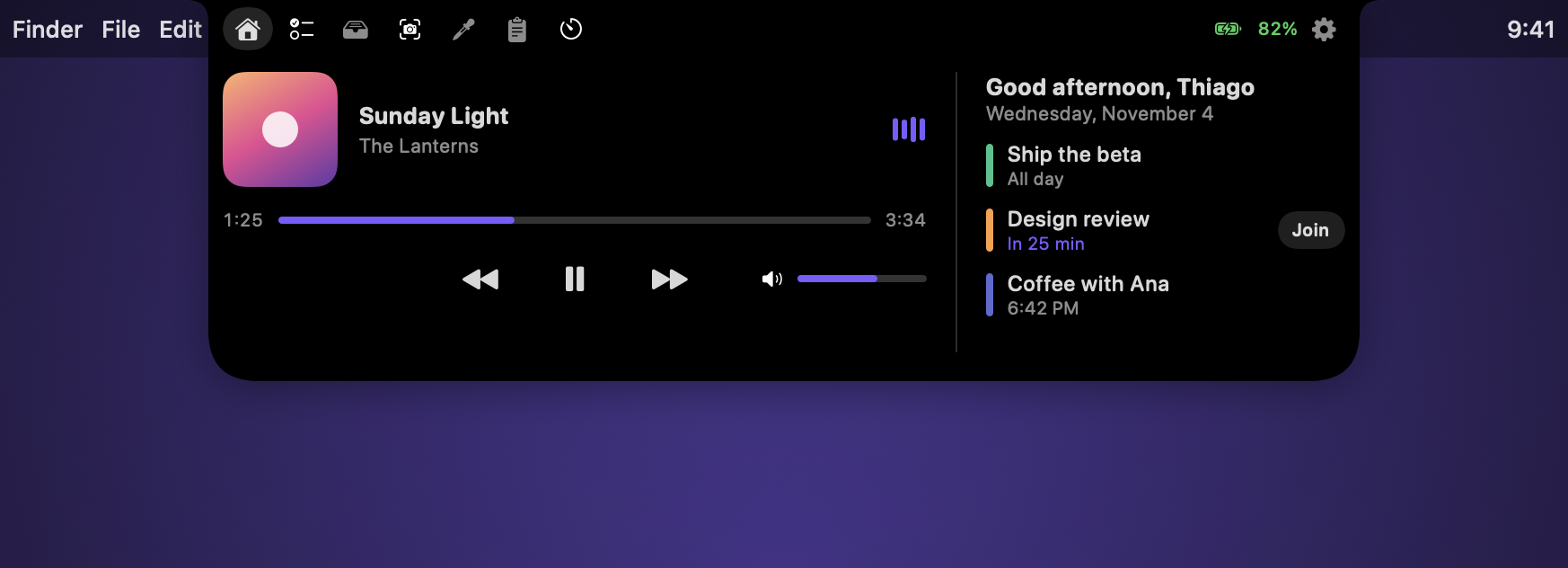
Closed, the island shows the one live thing that matters — music, a call, a recording — and grows ears for it. Rest the pointer and it opens, in 220 ms with no bounce, onto Home: what's playing and what's next. Shelf, Capture, Color, To-do and Markup are a tab away.


The closed island playing music: the cover and the waveform
Closed — music, the cover and the waveform in your accent
The closed island recording: red dot, mic meter, 0:44
Closed — a recording, with a mic meter that moves with your voice
Nook open on Home: now playing with a volume slider and today's agenda
Open — Home: now playing, and today's agenda with Join one click away

Every feature, from the camera bubble to the contrast checker, is on the landing page — or try them yourself: the beta is free for macOS 26 on Apple silicon.

04

A product shot you can scroll

The site opens on the mark alone, playing its story; an island-shaped window opens where it stood, onto a real MacBook Pro (jackbaeten's model, CC BY 4.0) lit like a studio. Scrolling pushes in to the notch, where the island is live HTML laid onto the display every frame. Pick an accent or light mode and the whole page follows, as Nook does on a Mac.
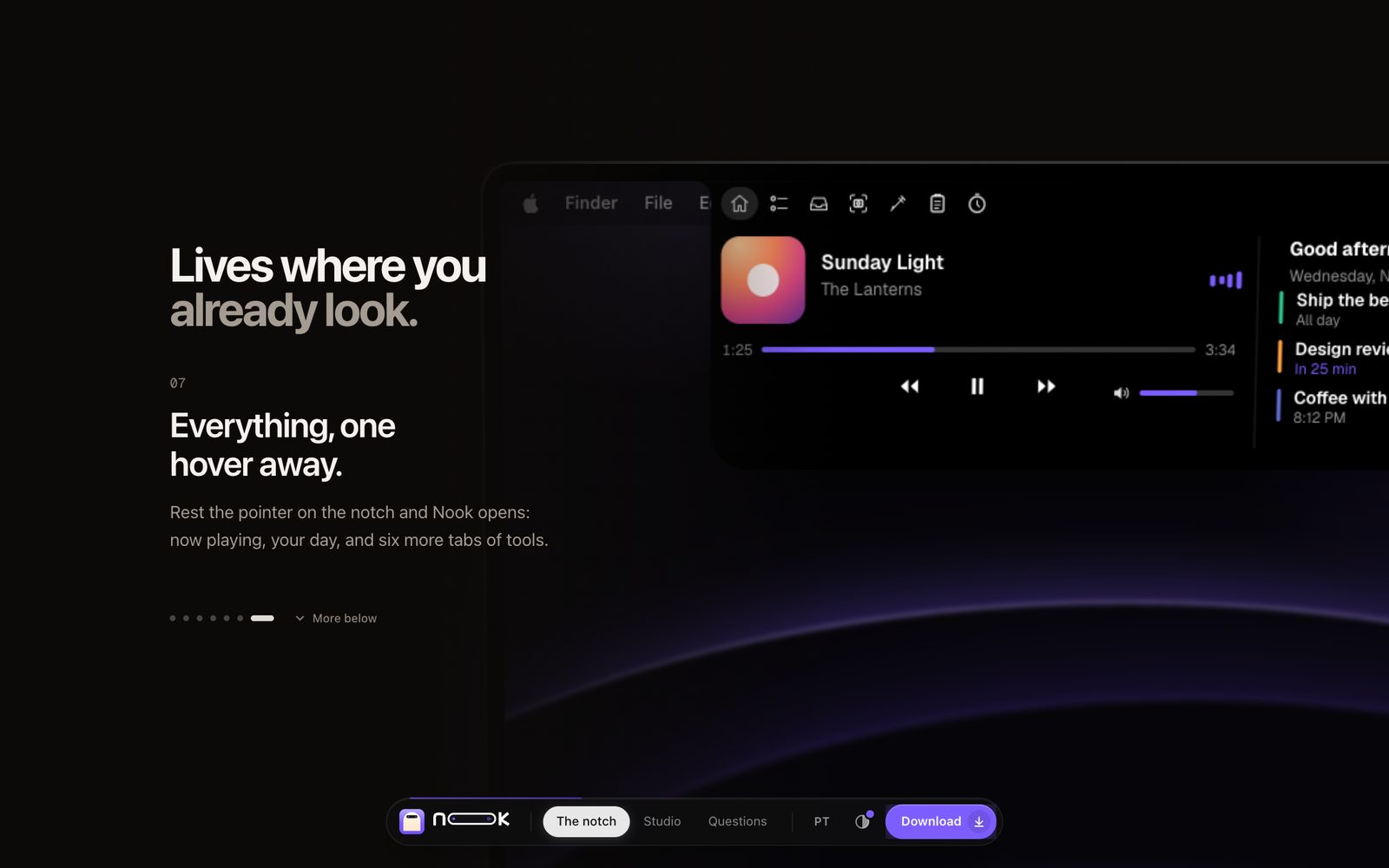
The Nook landing page mid-story: the island open on the MacBook's screen, beside “Everything, one hover away.”

nook-mu-three.vercel.app

Scroll the real thing — the lid opens, the island plays.
Open the landing page
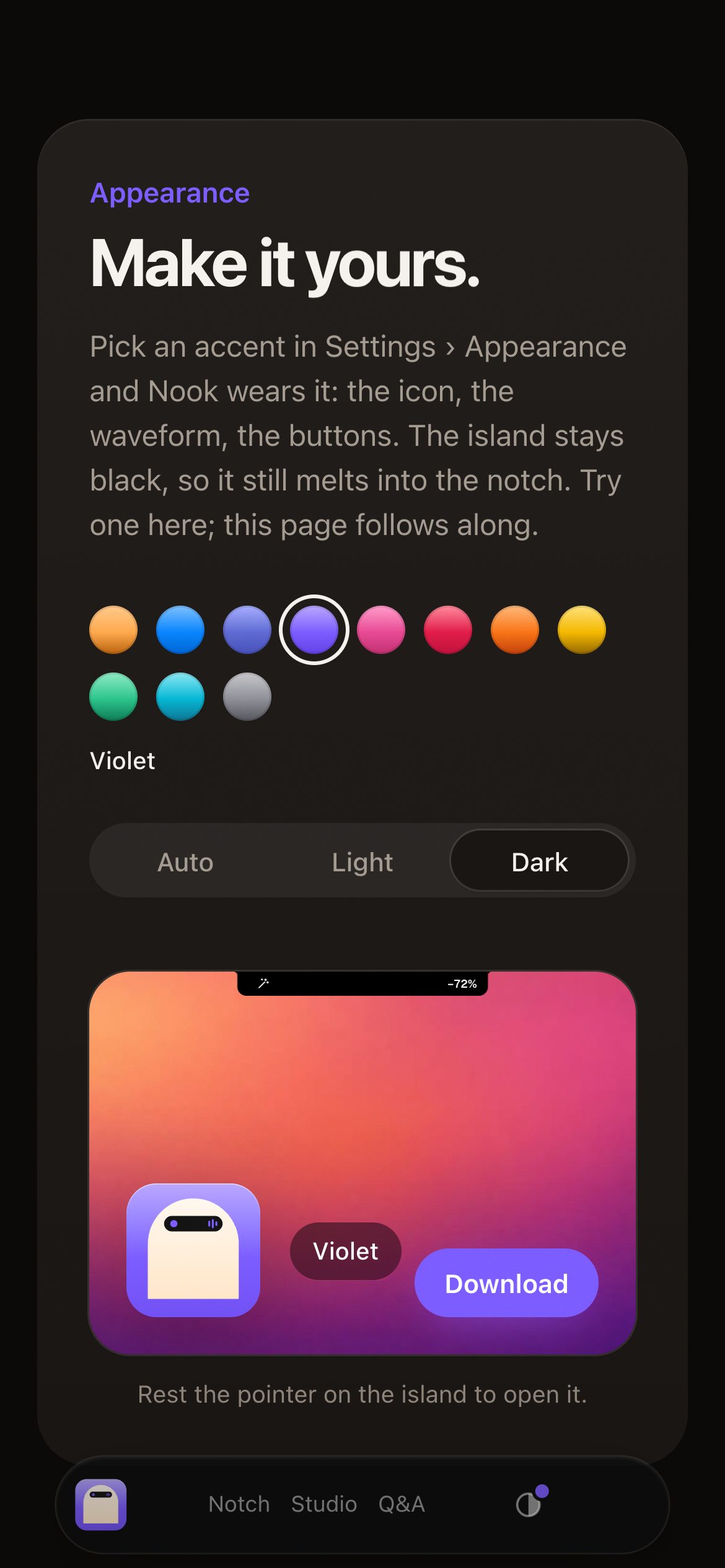
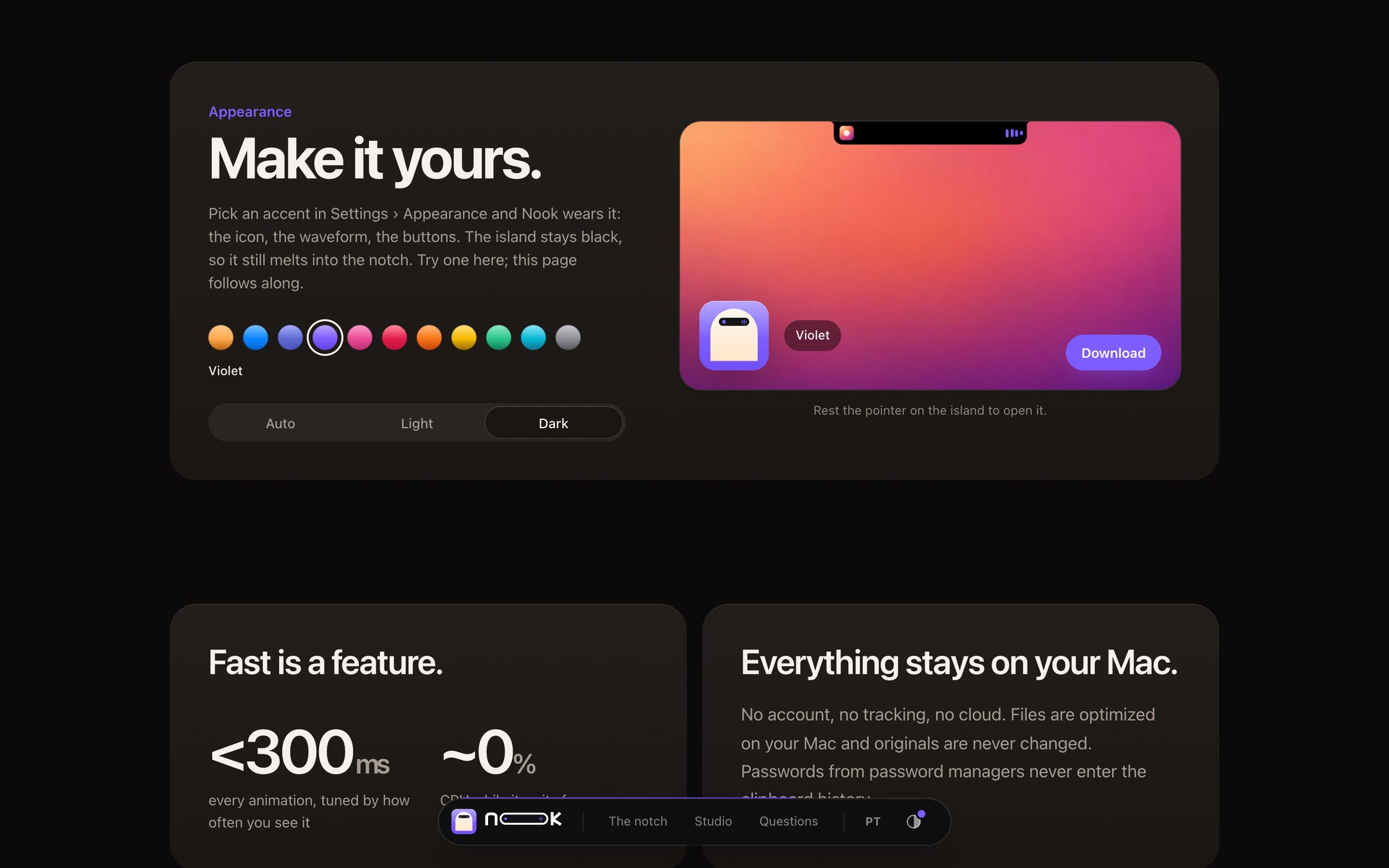
Make it yours: eleven accents and Auto, Light or Dark, with a live preview
“Make it yours” — the app's own accents; the whole page follows
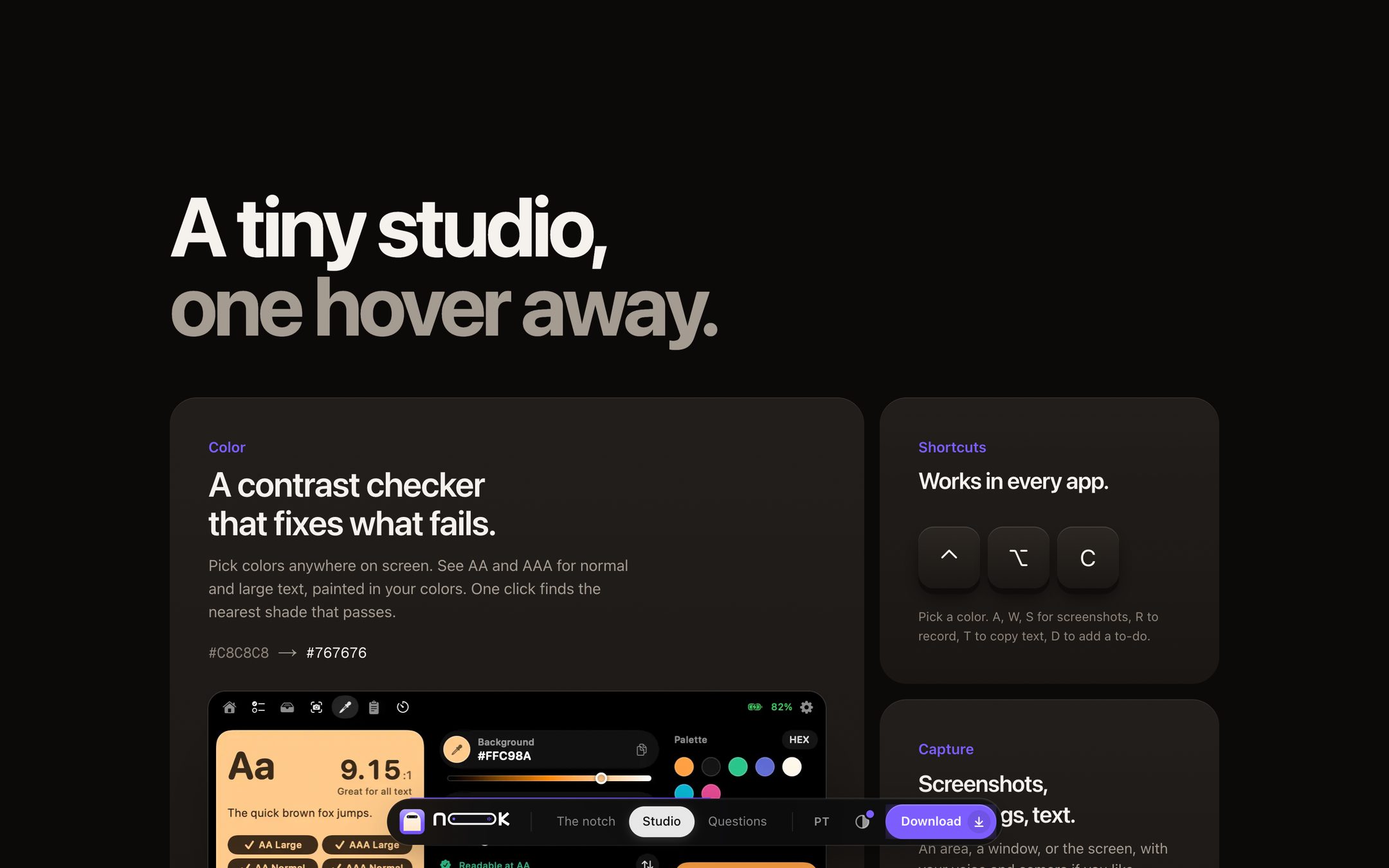
The studio section
“A tiny studio, one hover away”
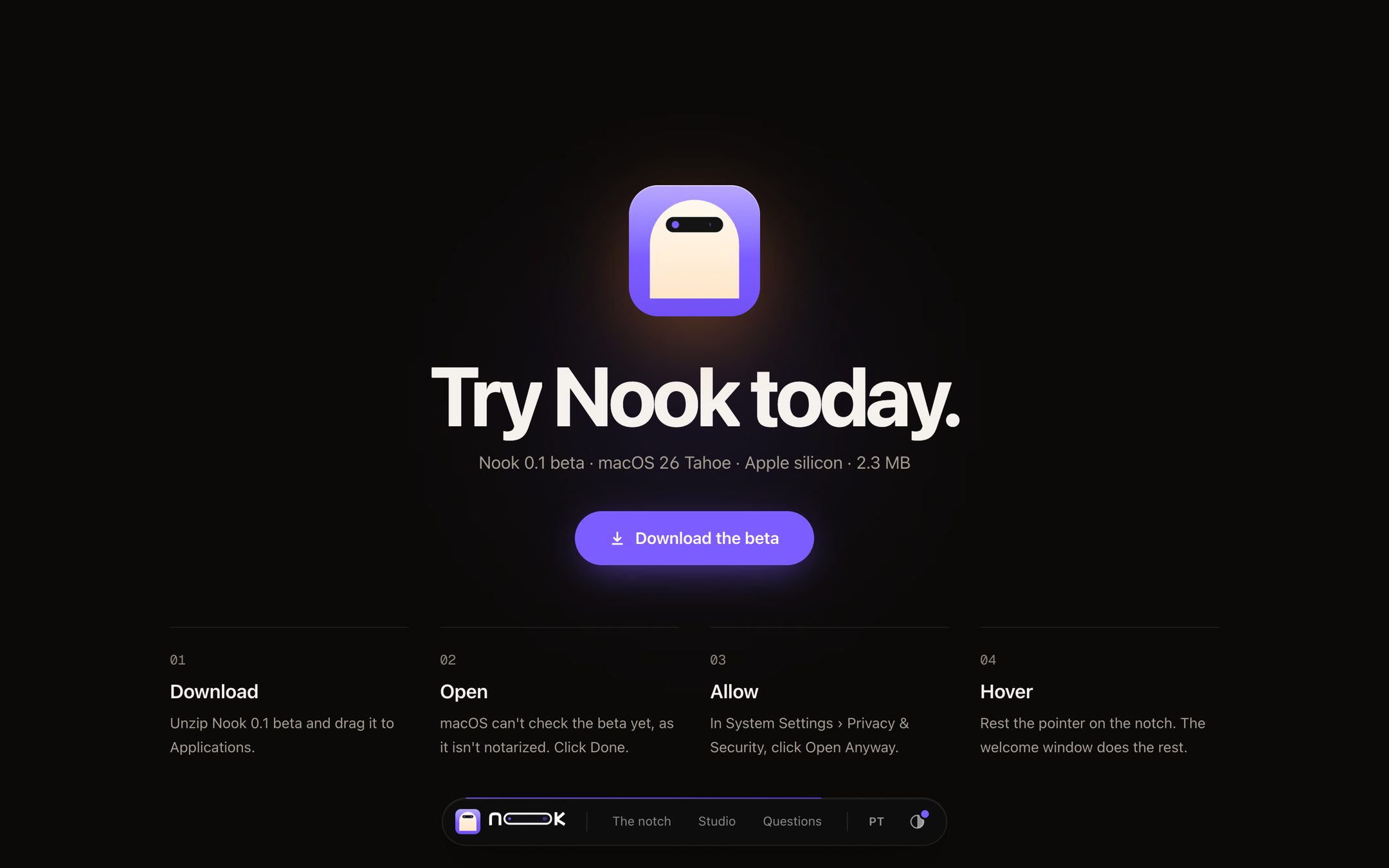
The download section
Honest about the beta: not notarized yet, and how to open it
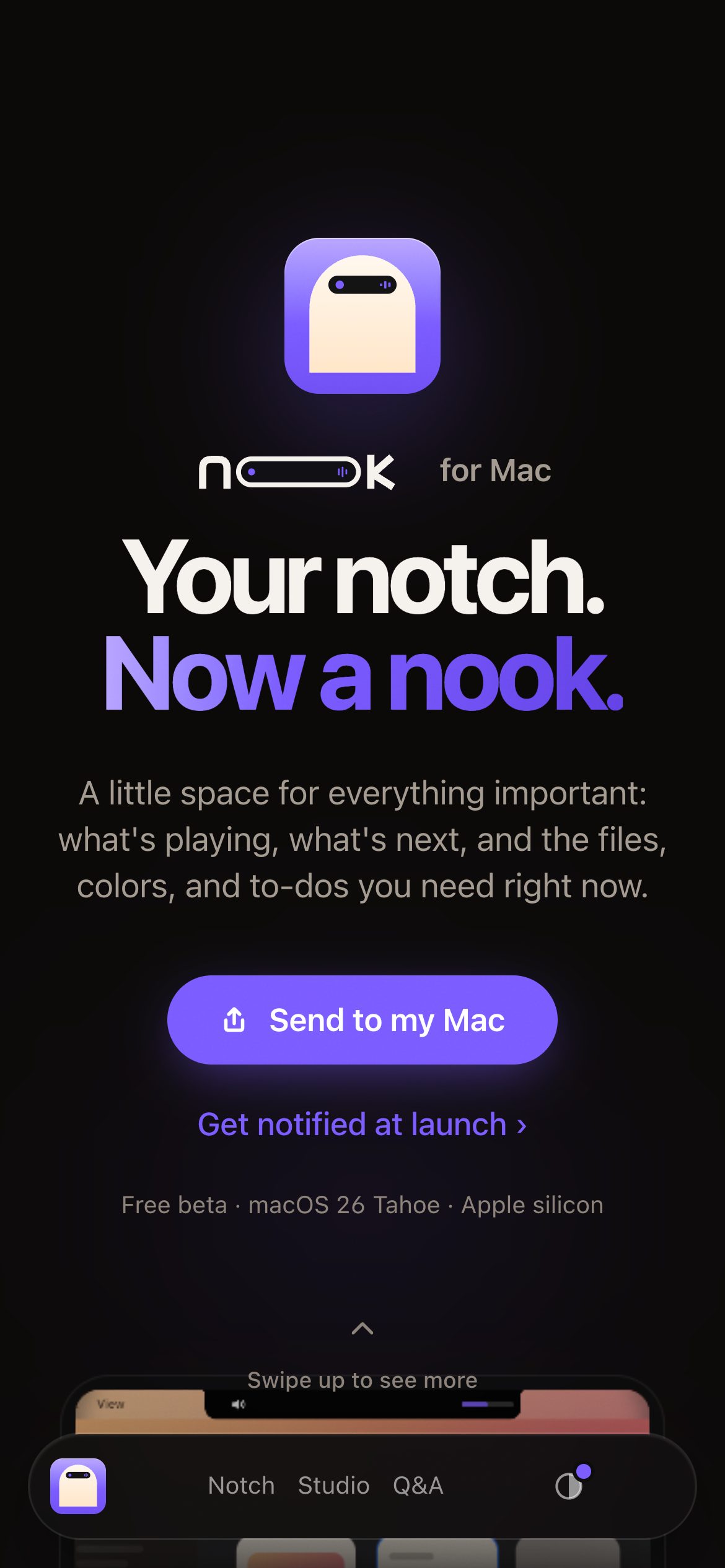
The phone hero with Send to my Mac
Phones get “Send to my Mac”
Make it yours on a phone
Make it yours, on a phone

The navigation is a black island at the bottom — the same toolbar as this portfolio, in Nook's colors. On a phone, the download becomes Send to my Mac.

05

A living brand guide

The rules, as a page you can play with: the mark builds itself, the guide wears any accent, the island tours its states, and the five motion tokens race side by side. Colors and timings come straight from the app's code.

Own page ↗
06

Six days, reviewed hard

Built with Claude Code as an AI pair programmer — 80 unit tests, 90+ in-app checks, snapshot tests of every island state. Reviews drove the work: one written site review became 18 numbered fixes.

30 OctDay 1The brief: voice, states of the island, system hooks
31 OctDay 2The island and live activities; the studio tools; Markup; SSIM-measured optimize; drop zones with live results; motion tokens; the first site
1 NovDay 3To-dos (Sooner and Later), undo and keyboard control, the volume slider
2 NovDay 4Permissions, Join for calls, mini player, capture bar, Markup and Shelf rebuilt, Reminders sync, the 3D site, and a point-by-point UI/UX review
3 NovDay 5A case-study kit: every state cropped, the story from logo to site
4 NovDay 6Camera bubble, live mic meter, “Recording saved”, permission switches, paste a list as to-dos, an icon in your accent; the site gets a real MacBook, studio light, an arrival through the mark, a toolbar island, accents and light mode

Next: Developer ID and notarization, automatic updates, a custom domain, a real demo video. It's a public beta — honest about it everywhere, including here.

Mostrando em português